
Anime Champions X Mission Guide
Find story and dig missions by world, enemy level, and objective, then prepare your party for the run.
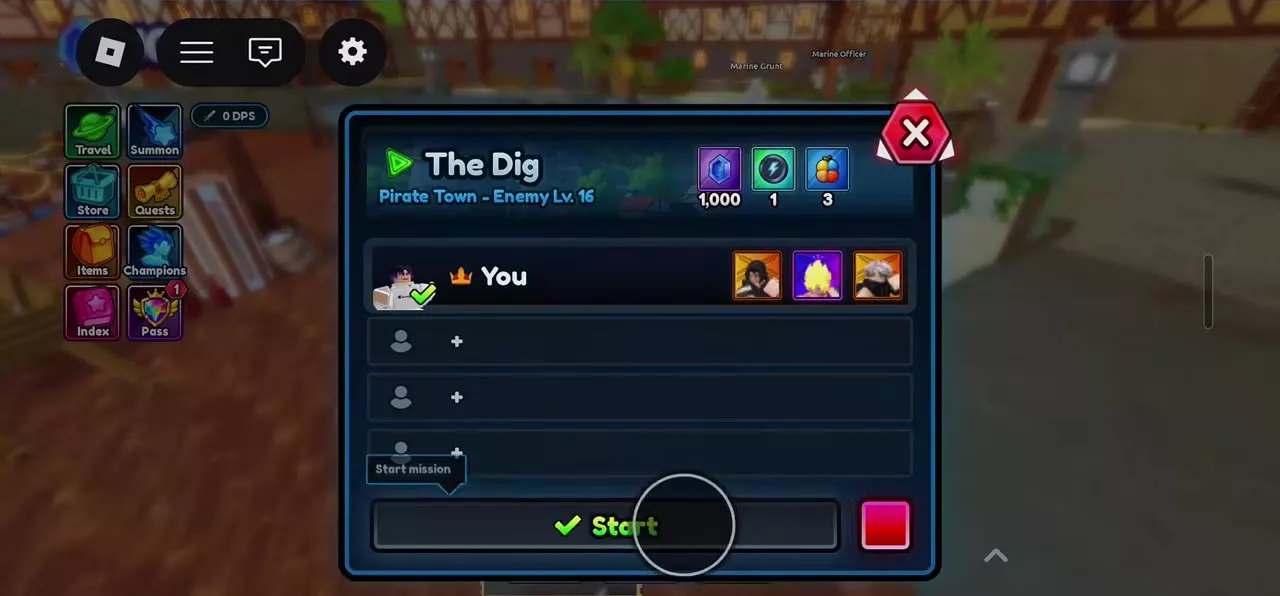
Complete the mission's quest prerequisite and open its lobby. Choose Start for a solo run, or invite up to three other players and have everyone ready up. A player with Mission Locked must unlock it or leave the lobby before the party can start.
Story Missions and Post-World Digs
Accept a mission from its quest NPC or select its available Start entry in Quests. The lobby shows the location and Enemy Lv., which is the enemies' level.
After completing Treasure Hunter's ordinary quests, The Torn Map and The Dig, look for the red-skull post-world chain in Travel and open the available mission in Quests.
Mission Directory
Use the directory to compare mission locations, enemy levels, and stages. Open a mission row for its quest conditions, objectives, and rewards. The Dig has four stages; its final stage contains three defense waves. Deeper Dig has five defense waves.
Story and dig mission lookups by world, enemy level, and stage count.
7 objects
|
|
Story Missions | 5 | Blue Planet | 4 |
|---|---|---|---|---|
|
A Defender's Orders mission that takes the team through alien guards to a final fight with Alien General.
|
||||
|
|
Story Missions | 11 | Pirate Town | 3 |
|
A Pirate Captain's Crew mission to take the stockade keys from Marine Lieutenant and his reinforcements.
|
||||
|
|
Story Missions | — | Pirate Town | 4 |
|
A Pirate Town mission to fight through the stockade and get Treasure Hunter to safety.
TipsWhen the timer switches to Unlimited, send your team to the Stockade Gate at the stairs so Treasure Hunter can escape. |
||||
|
|
Story Missions | 16 | Pirate Town | 4 |
|
A Pirate Town mission that escorts Treasure Hunter to the dig site and protects him while he digs.
|
||||
|
|
Story Missions | 23 | Land of Ninjas | — |
|
A Land of Ninjas mission in the Lightning Master's Storm quest chain.
|
||||
|
|
Post-World Dig Missions | — | — | — |
|
A dig mission with a five-wave defense of Treasure Hunter.
|
||||
|
|
Post-World Dig Missions | — | Curse City | — |
|
A post-world mission to defend Treasure Hunter while he digs below the Curse King's hall.
|
||||
Start, Invite and Fix Mission Locked
- Complete the quest prerequisite for the mission, then open its lobby from the NPC or Quests.
- For a solo run, select Start. To form a party, select an empty player slot and invite someone from the server or friends tab, or search for a player. The lobby has four player slots, and each player brings their own Champions.
- In a group, each player selects Ready. Check the readiness marks before launch; Ready can be toggled off beforehand.
If an invited player sees Mission Locked, they can accept the invitation but cannot ready up. Their presence prevents the party from starting. Have them complete that mission's prerequisite or leave the lobby.
Read the Objectives and Results
After loading, use the preparation countdown to get ready. Follow the current objective and watch Progress, the stage counter, remaining enemies, and the timer.
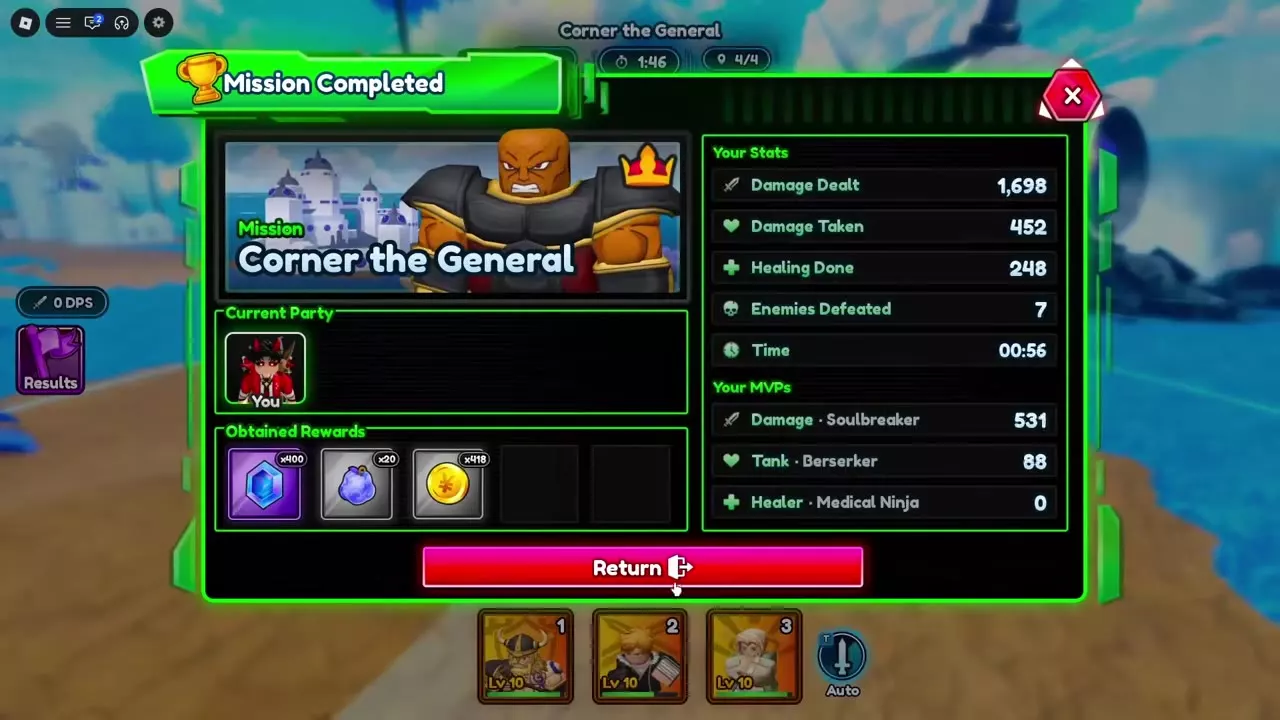
The results screen lists rewards, time, enemies defeated, damage dealt, damage taken, healing, and MVPs. In a group, use the team and individual tabs to review the run and vote on the available options.
- Return leaves the mission and takes the party back to the world map.
- Retry, when available, starts another attempt. After losing The Dig, use it after improving your lineup, or return to regroup.
- Next Mission, after The Stockade Keys, continues to Jailbreak.
Players who have already cleared The Stockade Keys can return to help another party, but receive its mission completion rewards only on their first clear.
Mission Walkthroughs
- Corner the General and Blue Planet quests: follow Defender's quest line and pursue Alien General.
- The Stockade Keys and Jailbreak: take the keys from Marine Lieutenant and open Treasure Hunter's escape route.
- Treasure Hunter's dig missions: escort and defend him through The Dig and the post-world missions.
- Land of Ninjas quests and Thunder Road: complete Lightning Master's objective and open the mission beside him.
Articles and guides
4Anime Champions X Stockade Keys and Jailbreak Walkthrough
Defeat Marine Lieutenant, claim the Stockade Keys, and break the gate to rescue Treasure Hunter in Anime Champions X.
Anime Champions X Treasure Hunter Dig Missions
Complete The Dig in Anime Champions X, defend Treasure Hunter through three waves, and continue Deeper Dig and Deeper Still for Thunderstruck Coins.
Blue Planet Quests and Galactic Emperor in Anime Champions X
Finish the Blue Planet quests in Anime Champions X. Find Secret Hideout, earn a Ki Shard, clear Corner the General, and beat Galactic Emperor to unlock Pirate Town.
Land of Ninjas Quests and Thunder Road in Anime Champions X
Find the elemental masters in Anime Champions X, locate Old Pact and Battle Plans, and land 150 super-effective hits to unlock Thunder Road.