
Anime Champions X Combat Controls, Shields and Recovery
Command your Champions in Anime Champions X, time their abilities and respond to guarding, shields and knockouts.
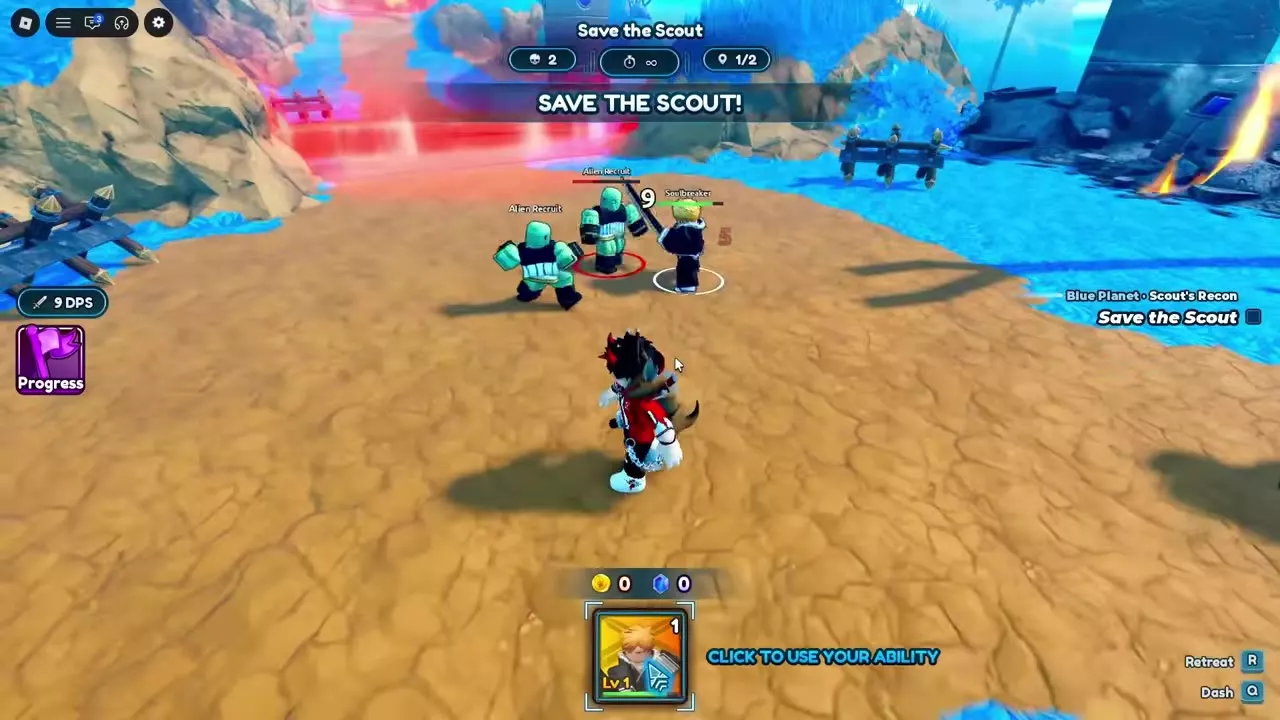
Click an enemy marked ATTACK to send your equipped Champions into battle. Use a Champion's card or number key to cast its ability, and press R to retreat. Equip a melee Slayer or Vanguard against guarding enemies, save damage abilities for a boss's BROKEN window, and leave combat to recover in the overworld.
Send Your Equipped Champions Into Combat
Equip at least one Champion and move close enough to an enemy for the ATTACK prompt to appear. Click the enemy to send your team to it. Champions use basic attacks while engaged; the target prompt changes to RETREAT so you can recall them.
Basic attacks are separate from the abilities on your Champion cards. For an objective that requires basic attacks, send the team in without manually casting skills and turn off Auto Abilities for the Champions contributing hits.
Attack, Cast, Retreat and Dash
| Action | Control |
|---|---|
| Send team to enemy | Click ATTACK |
| Cast an ability | Click card or press its number |
| Recall team | Click RETREAT or press R |
| Dash | Move and press Q |
| Toggle HUD | F1 |
A card displays its cooldown after casting. Watch each Champion's health and cooldown to decide when to cast or recall the team. To save a skill for a particular moment, turn off automatic casting for that Champion and use its card when ready.
With Auto Sprint enabled under Settings → Controls, hold Shift to walk. Enable DPS Meter under Settings → Interface to display the team's damage per second.
Counter Guarding and Break Boss Shields
If the Guarding Enemies tip appears, recall your team, leave combat and equip a melee Slayer or Vanguard before engaging again. Enemies guard when the team has no melee Champion.
Galactic Emperor's shield is a separate boss state. Keep attacking until it reads BROKEN, then use ready damage abilities during the opening before the shield returns. If the boss's health bar locks and alien reinforcements arrive, switch to the nearby Alien Gunners or Alien Warriors. Return to the boss when its health bar unlocks.
Heal, Shield and Read Status Effects
Use a healer such as Priestess or Medical Ninja to restore health during a fight. Medical Ninja's Healing Jutsu also applies Regen, which restores health over time. A Level 9 Shiny Medical Ninja's Regen restores 160 health over 8 seconds; a separate Marines Raid Regen effect lasts 5 seconds.
For protection, Ki Warrior's Ki Shield lasts 10 seconds and has a 20-second cooldown. Water Hashira's Water Shield grants 4.5 seconds of invulnerability, while Still Waters takes area attacks for allied Champions. Time these abilities for incoming damage.
Medical Ninja's Chakra Reserves grants 10% maximum health and Revive. At two stars, when Medical Ninja revives, an ally also revives. This passive is separate from the team's out-of-combat recovery.
- Burn: Flame Pirate's Fire Sun applies Burn in an area. Flame Eater spreads Burn when a target dies and protects the team from Burn; at two stars it also gives the team +100% Burn damage.
- Bleed: Bounty Hunter's Gale Cleave applies Bleed in an area. Pair it with Demon Fighter, who deals double damage to bleeding targets.
- Slow: Ice Princess's Ice Spikes applies Slow to enemies.
- Curse: Curse prevents healing. Account for it before relying on a heal to keep a Champion fighting.
Recover From a Knockout
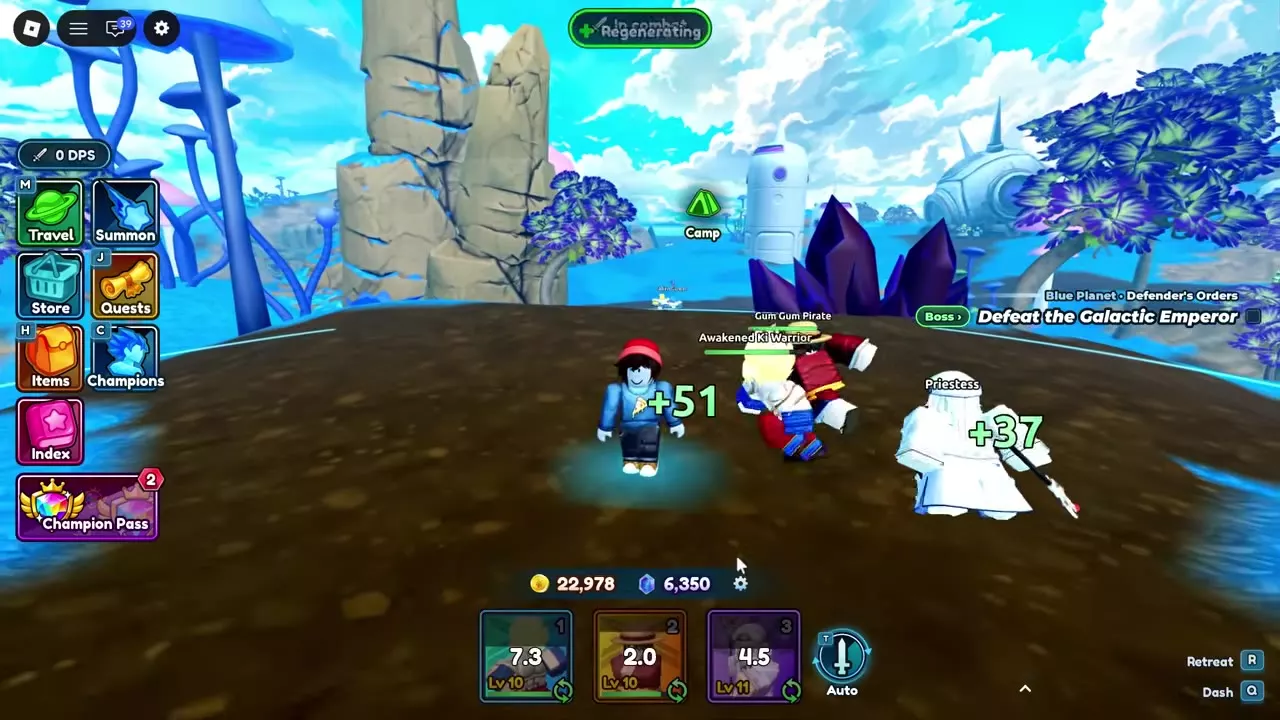
In the overworld, recall the team and move away from the enemy when health is low or a Champion is knocked out. Wait through Leaving combat and Regenerating, and give the team time to heal before engaging again.
When every card reads KNOCKED, the overworld displays Squad down, followed by Regenerating. In one Blue Planet squad wipe, recovery took about 30 seconds and the team returned at about half health.
A full squad wipe in a challenge can end the attempt. For example, a wipe during The Dig's protection waves causes defeat, and a wipe in the Marine Captain boss challenge leads to Boss Battle Lost. Choose Retry to start another attempt or Return to leave.
Element Matchups and Team Setup
- Use element matchups to choose attacks that take advantage of an enemy's element.
- Build around the healing, frontline protection and damage your encounter needs with team roles and builds.
- Set up Auto Attack and Auto Abilities for repeated fights, or keep selected abilities manual for timed casts.