
Anime Champions X Summoning Guide
Spend Gems to summon Champions and Gold to raise the starting level of future pulls. Before a batch, choose the pool that contains your target and decide which copies you want to keep.
Open Summon, choose an unlocked pool, and use the ellipsis beside Summon to select 1–10 pulls. A ten-pull costs 1,000 Gems at the standard price or 900 with VIP. Each pool has its own Legendary, Mythic, and Cosmic counters with targets of 60, 400, and 10,000. Once you reach Pirate Town, use Summon Upgrades → Hatch Level to raise the starting level of newly summoned Champions.
Summon From an Unlocked Pool
Finish Save the Scout, then follow Unlock the Summon back to the Blue Planet camp device and confirm the free First King unlock.
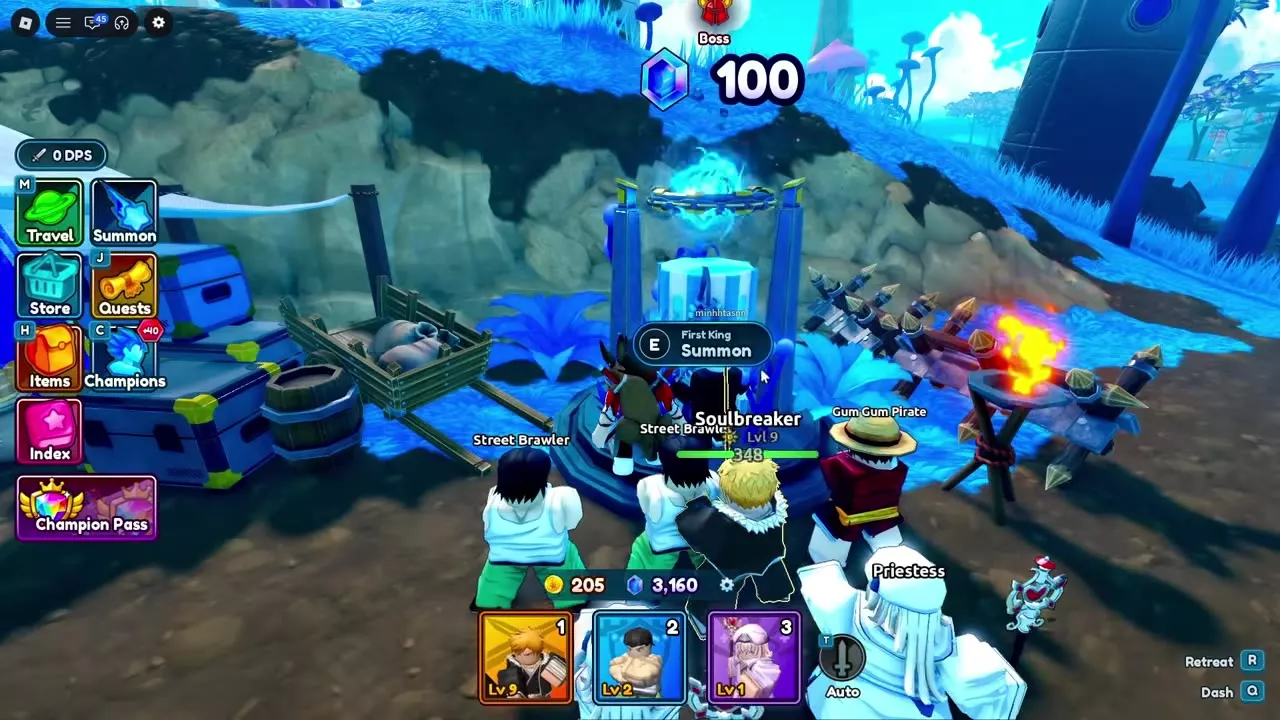
Press E at a summon station or select Summon from the left sidebar. Choose an unlocked pool from the list on the left. The ⓘ button beside a pool opens Chances, where you can check that your target Champion is in the lineup. Before pressing Summon, check your Gem balance, open Champion storage slots, and which duplicates you want to keep.
Select Quantity and Check the Gem Cost
- Click the … button beside Summon to open How many?
- Use − or + to adjust the batch one pull at a time, or select ×1, ×5, or Max 10. Select Max 10 for ten pulls at once.
- Read the total on the Summon button, then press it to spend the Gems and start the batch. If the button says Not enough gems, reduce the batch or get more Gems.
The standard price is 100 Gems per pull, so two pulls cost 200 Gems and ten cost 1,000. VIP gives 10% off summons, bringing those prices to 90 Gems per pull and 900 Gems for ten. You can run more batches after the results. There is no daily summon limit.

Reveal Summons and Read the Counters
Advance through the results
The summon animation plays in full in the launch build. When Click to continue appears, click through each result until you return to Summon. Check the Champion name and rarity on each card. New marks a first discovery, Shiny identifies the Shiny variant, and Dismantled marks a result converted to feeding fruit. A marker such as ×3 groups three copies of the same Champion.
Read each pool’s rarity counters
Check the counters beneath the pool list after the batch. Each pool tracks its own three counts, so use the newly selected pool’s readings when you switch.
| Rarity | Counter denominator |
|---|---|
| Legendary | 60 |
| Mythic | 400 |
| Cosmic | 10,000 |
On First King, the first two pulls moved all three counters from 0 to 2. In a later pair of ten-pull batches that included Legendary Soulbreaker, the Cosmic and Mythic counts rose from 42 to 62 while the Legendary display went from 26/60 to 7/60. Read the updated number after the results. At 7/60, subtract 7 from 60 to get 53 counter points to the displayed target.



Upgrade Hatch Level
- Reach Pirate Town, open Summon, and select Hatch Level under Summon Upgrades.
- Read the confirmation box for the new starting level and the Gold price, then select Upgrade.
- Reopen Hatch Level to buy the next step when you meet its world requirement and have enough Gold.
| Upgrade | World required | Cost |
|---|---|---|
| Level 1 → 5 | Pirate Town | 2,000 Gold |
| Level 5 → 10 | Pirate Town | 4,500 Gold |
| Level 10 → 15 | Land of Ninjas | 10,000 Gold |
Budget 6,500 Gold to go from Level 1 to 10 or 16,500 Gold to go from Level 1 to 15. The panel displays MAX at Level 30. If you have the Gold and plan to build around your next pulls, upgrade before summoning so those copies start at the higher level and need less XP to catch up.

Handle Storage Full and Keep Desired Copies
If your batch is larger than the number of open Champion slots, Storage Full shows how many spaces remain. With four spaces left and ten pulls selected, choose Cancel and set the quantity to four or fewer, or free six more slots to make room for the whole batch. The dialog also offers Summon ×10 to proceed with the selected batch.
Before pulling, open the Auto-Dismantle gear beside the Gem balance and set a rule for Rare, Epic, and Legendary. First discoveries are always kept. For repeat pulls, choose the rule that fits what you’re collecting.
- Keep all saves every copy in that rarity. Use it when you need regular duplicates for Ascension.
- Keep shinies saves Shiny copies and converts regular duplicates into feeding fruit.
- Keep none converts repeat pulls, including Shiny copies, into feeding fruit.
Set all three rows to Keep all to turn Auto-Dismantle off. For copies already in storage, use the Champion inventory guide to lock keepers and free slots.


Pool Lineups and Luck
The four pools share their Rare and Epic lineup. If you’re after a particular Legendary, Mythic, or Cosmic, find its banner before spending Gems. Compare summon pool lineups.
Once you’ve chosen a pool, use Chances to read your target’s per-pull odds at your current Luck. If you activate a booster, read the updated odds before confirming the batch. Compare summon rates and Luck boosters.